Navigate to https://operations.daxko.com/Membership/Search.mvc
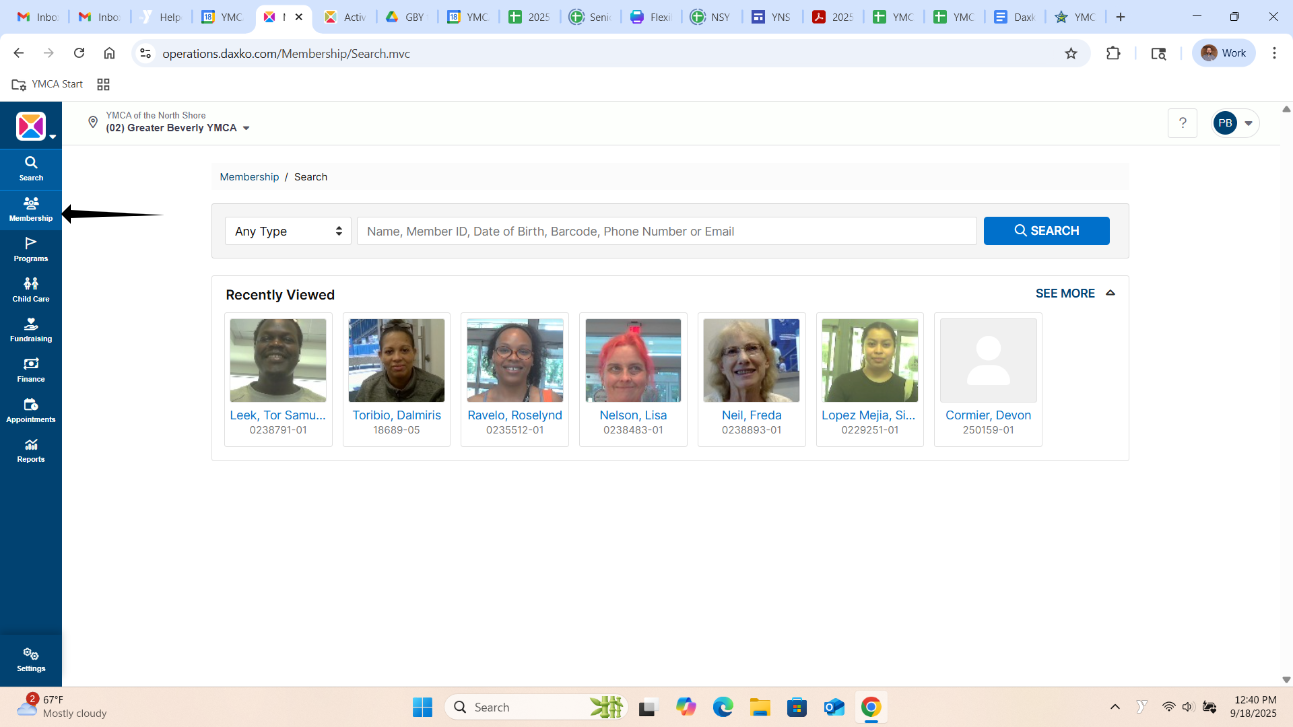
2. Click "Membership"
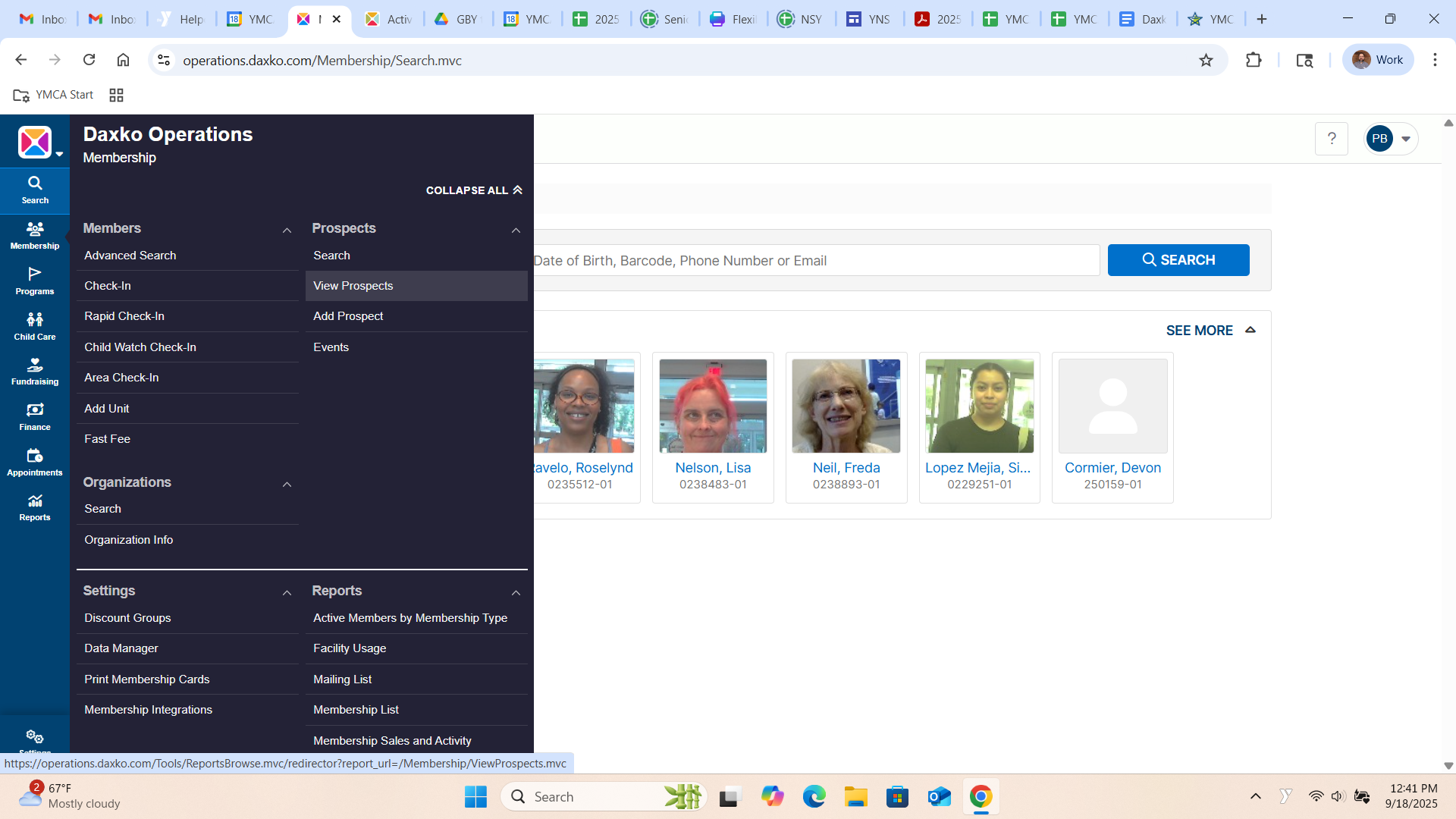
3. Click "View Prospects"
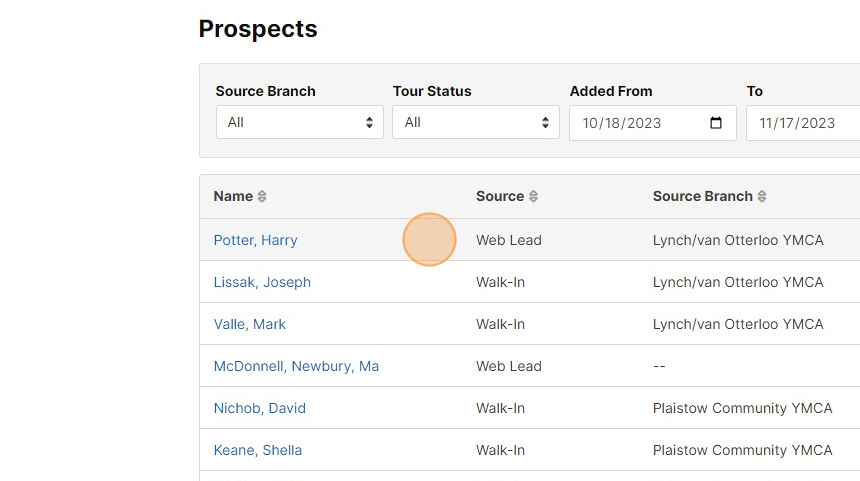
4. Click on the prospect you wish to convert
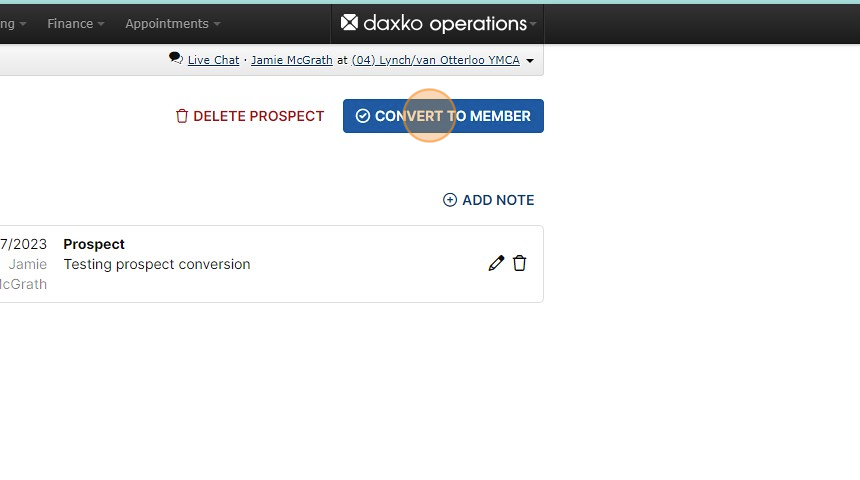
5. Click "CONVERT TO MEMBER"
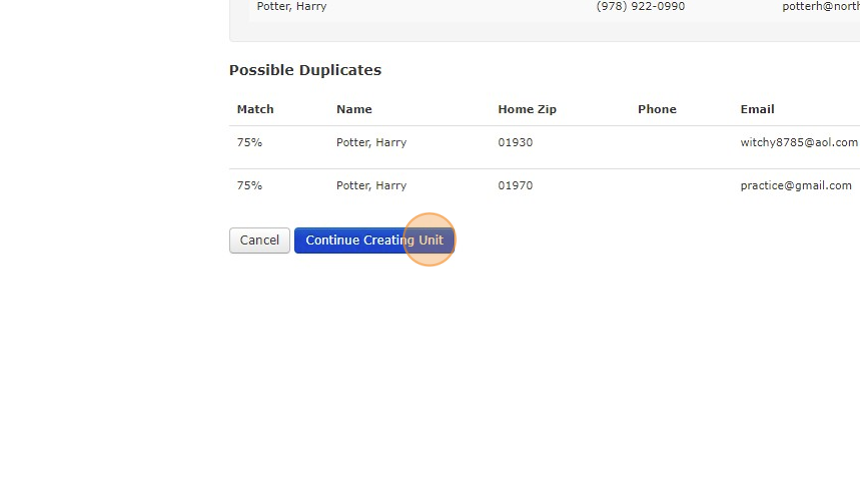
6. Confirm there is no other duplicate unit, then click "Continue Creating Unit"
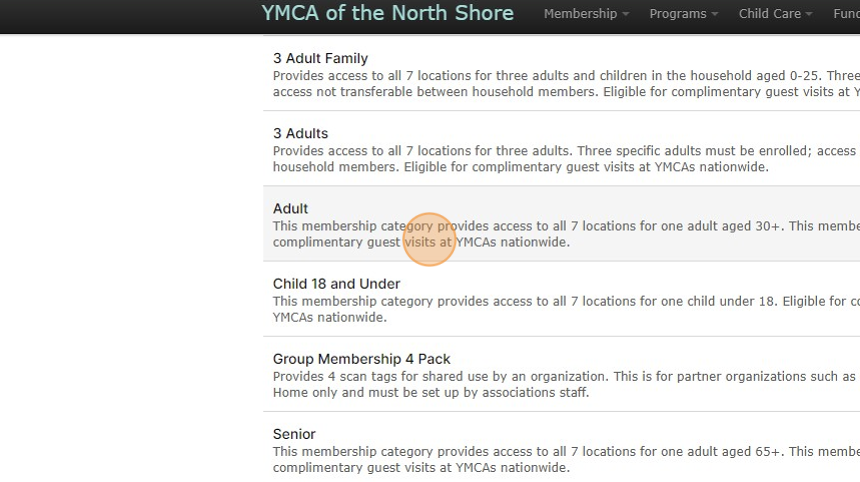
7. Choose the appropriate membership category from the list
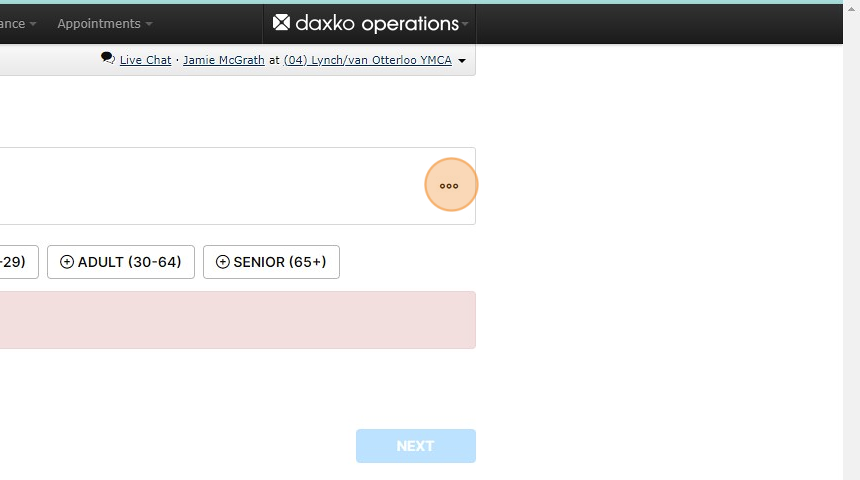
8. At this point you will be directed to enter the member's information
9. Click here.
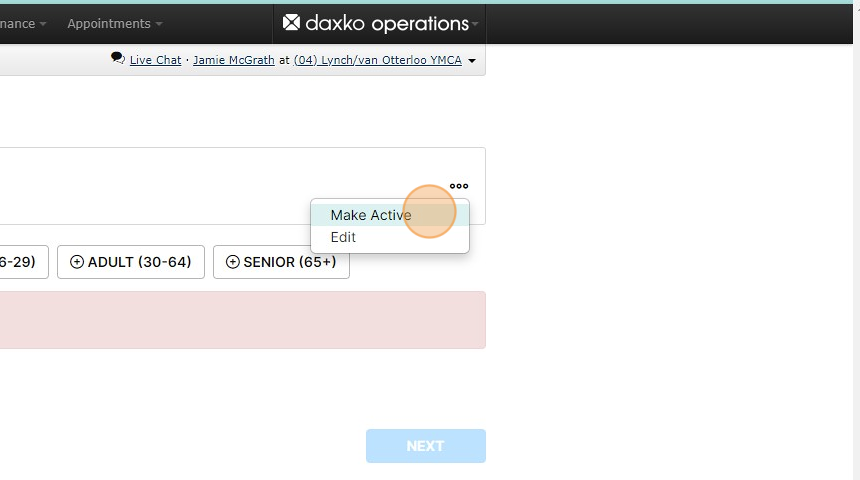
10. Click "Make Active"
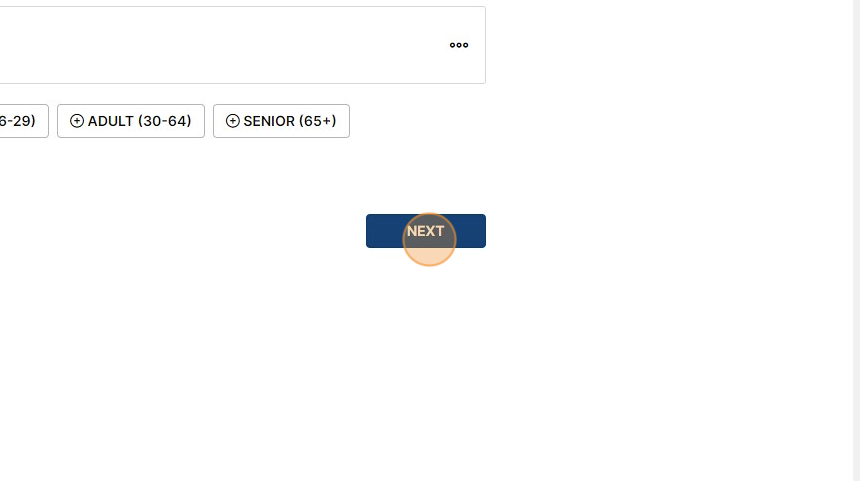
11. Click "NEXT"
The rest of the transaction can be completed as a normal membership transaction!
Was this article helpful?
That’s Great!
Thank you for your feedback
Sorry! We couldn't be helpful
Thank you for your feedback
Feedback sent
We appreciate your effort and will try to fix the article