This guide is for payments that need to be scheduled, such as camp payments, team tuition, and programs that are being registered with a deposit.
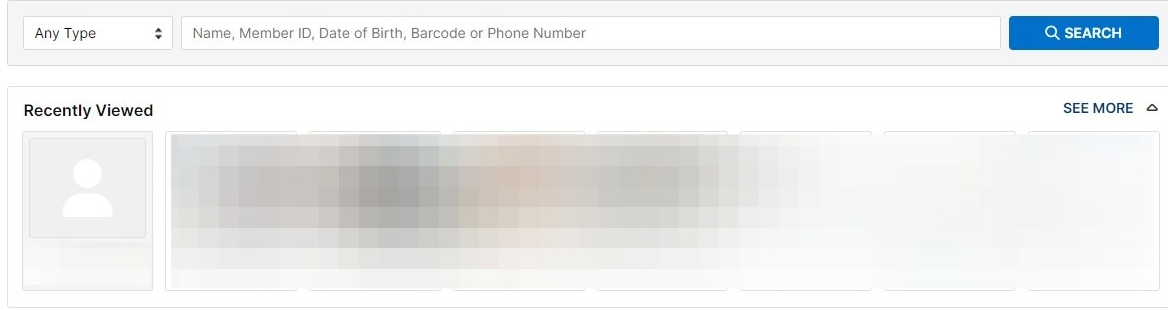
- Go to Member's account
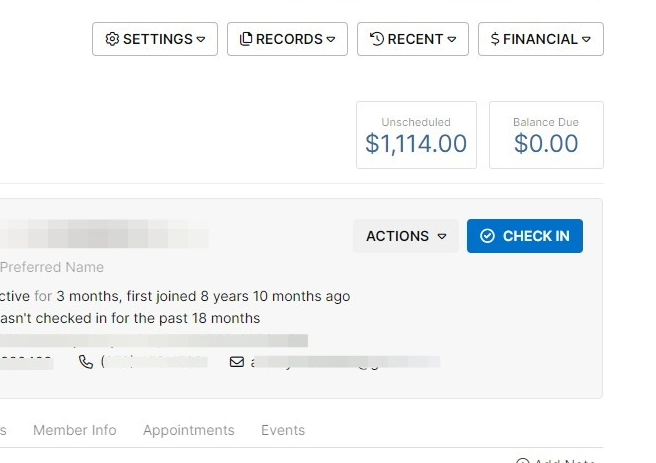
- Click on "unscheduled" balance
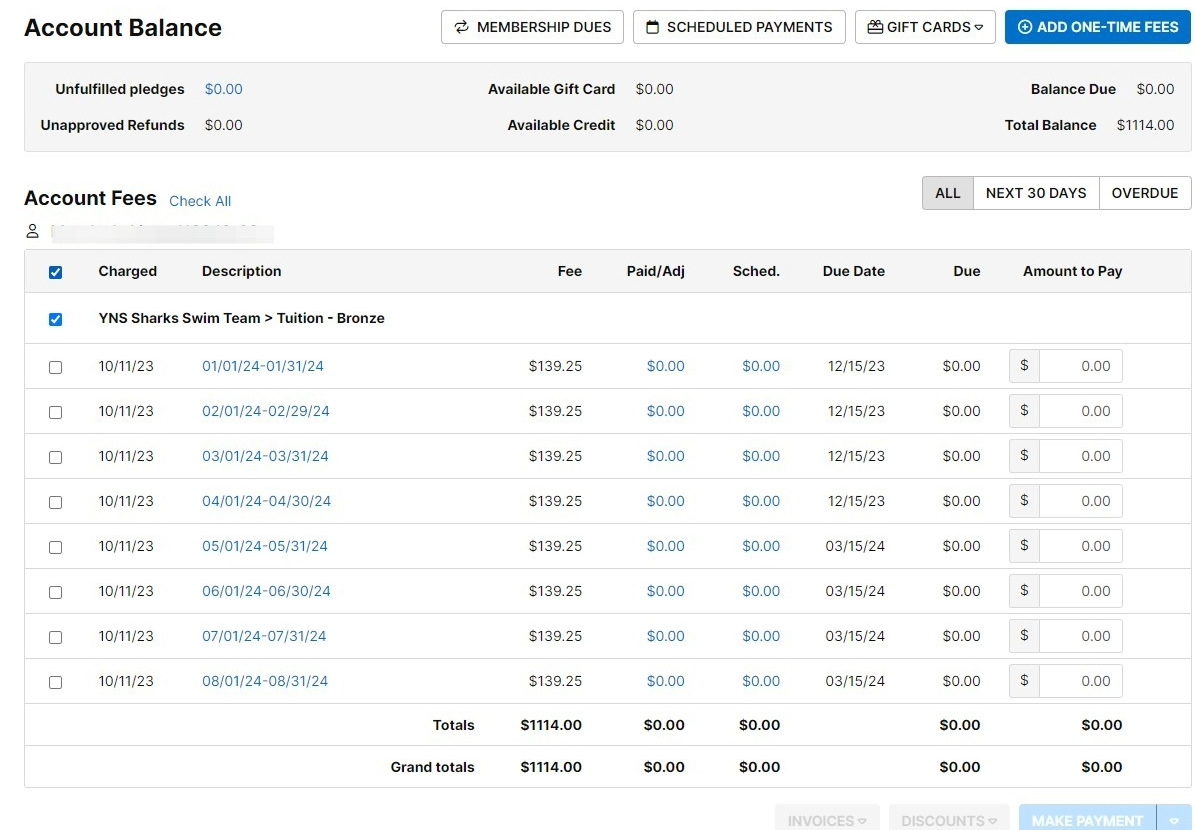
- Select all payments you wish to schedule. If you are scheduling all payments, simply uncheck and recheck this box.
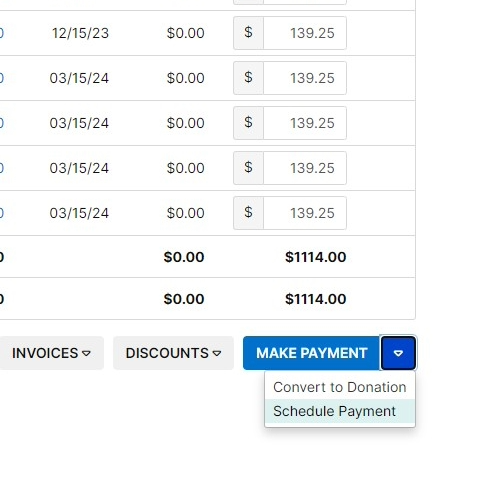
- Click on the drop down arrow next to "Make Payment"
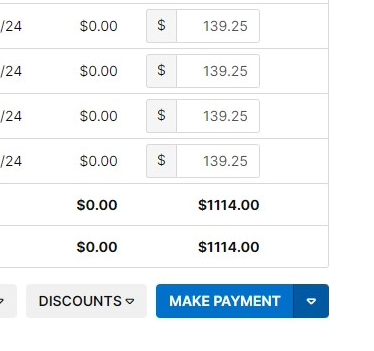
- Click "Schedule Payment"
- Click this dropdown to select which payment method to use.
You should use whichever card is set for their membership draft unless they communicate otherwise
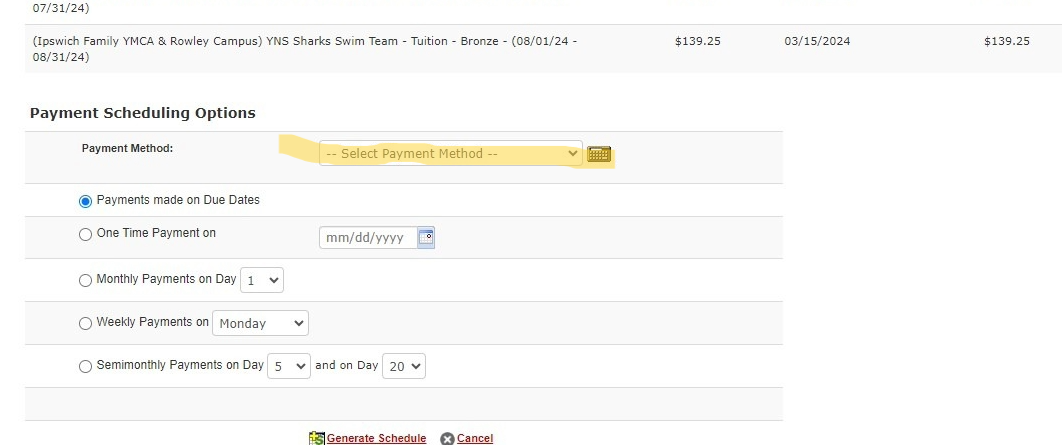
Ensure "Payments made on Due Dates" is selected.
Click "Generate Schedule"
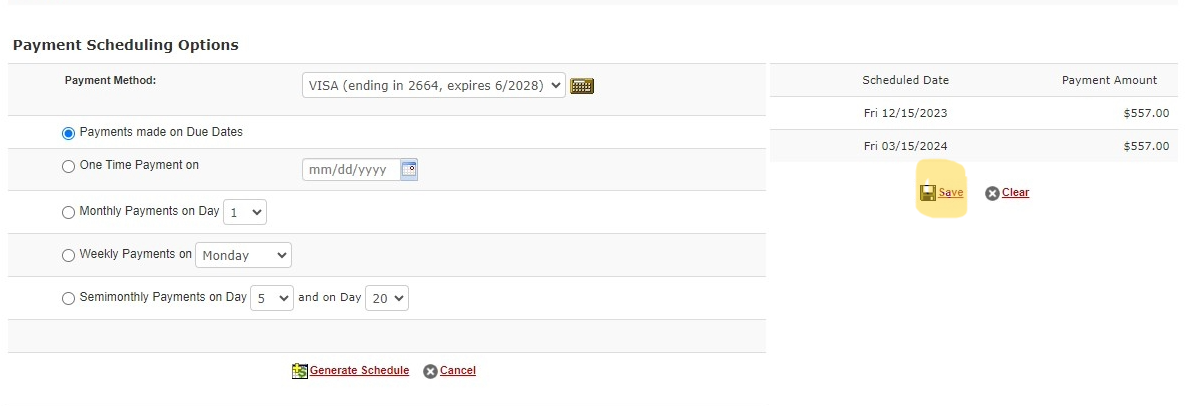
- Click "Save"
You must complete the payment schedule by clicking save. If you only generate the schedule it will not show on the account
Was this article helpful?
That’s Great!
Thank you for your feedback
Sorry! We couldn't be helpful
Thank you for your feedback
Feedback sent
We appreciate your effort and will try to fix the article