How to Add or Remove Facility Access in Daxko
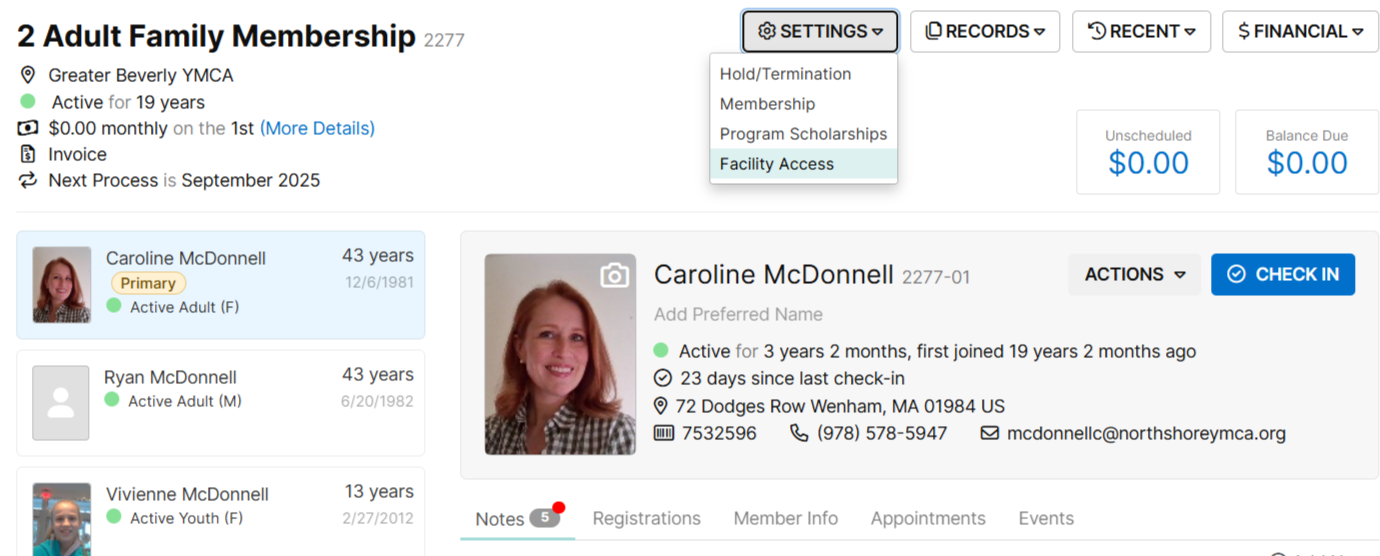
- Within a member record, click on SETTINGS, then "Facility Access."
- Check off "All Location Access" for active individuals - this will allow the member to
check in at any of our 7 YNS locations.
If a member has a Local Only Haverhill/Plaistow membership, select "HAV/PLA
Local Only" and their scan tag will only allow them to check in at those two
locations.
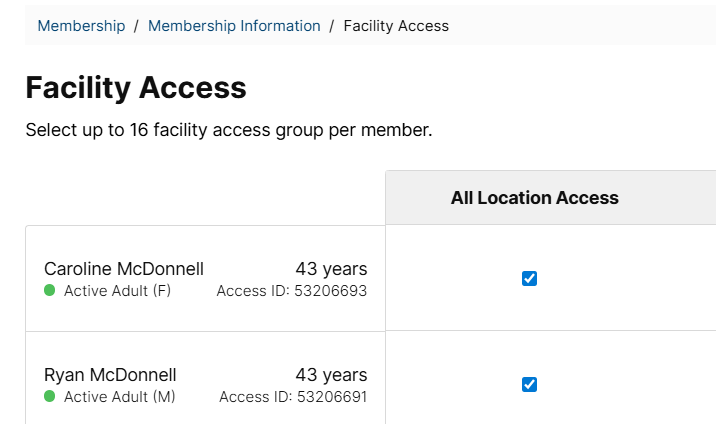
Click "SAVE" and that's it!
Was this article helpful?
That’s Great!
Thank you for your feedback
Sorry! We couldn't be helpful
Thank you for your feedback
Feedback sent
We appreciate your effort and will try to fix the article